
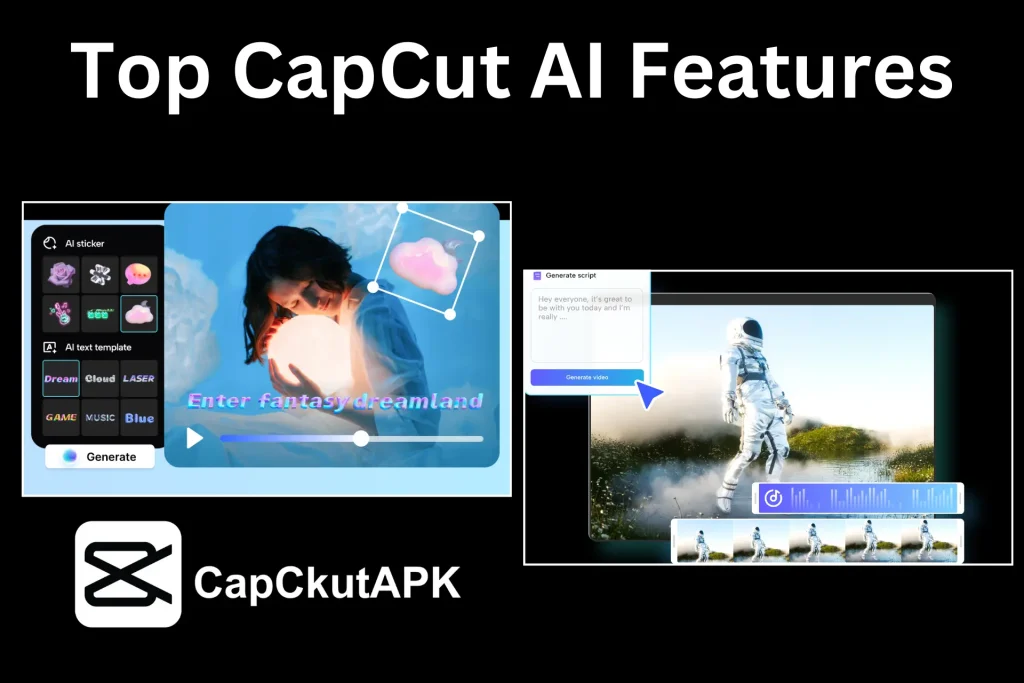
Video editing has evolved rapidly over the past few years. What once required professional skills and expensive software can now be done easily with the help of artificial intelligence. One of the best examples of this transformation is CapCut. With its powerful AI-based tools, CapCut has made video editing simple, fast, and accessible for beginners as well as professional creators.
CapCut integrates artificial intelligence to automate difficult editing processes. These AI features reduce manual effort, save time, and improve video quality. Whether you are editing videos for YouTube, TikTok, Instagram Reels, or professional projects, CapCut AI helps you work smarter, not harder.
One of the most popular CapCut AI features is Auto Captions. This tool automatically detects speech in your video and generates accurate subtitles within seconds.
Benefits:
- Saves time on manual caption typing
- Improves video accessibility
- Boosts engagement on social media
- Perfect for TikTok, Reels, and Shorts
Auto captions are especially useful for creators who want to reach a wider audience, including viewers who watch videos without sound.
CapCut’s AI Background Remover allows users to remove or replace video backgrounds without using a green screen. This feature is extremely helpful for creators who want professional-looking videos from simple recordings.
Why it’s useful:
- No green screen required
- Clean and accurate background cut
- Ideal for tutorials, promos, and talking videos
- Saves hours of manual masking work
CapCut AI removes technical barriers and simplifies the editing process. Beginners can create professional videos without prior experience, while advanced editors can speed up their workflow using automation.
CapCut AI is ideal for
- Social media creators
- YouTubers and vloggers
- Digital marketers
- Students and beginners
- Freelance video editors